
S1 Run Your Room
MAGNOLIA UNIVERSITY
LEADING · S1
Run Your Room
Sponsors (any Creator or Affiliate who has someone on their team) · About 5 minutes
Watch the lesson
PRINTABLE FOR THIS LESSON
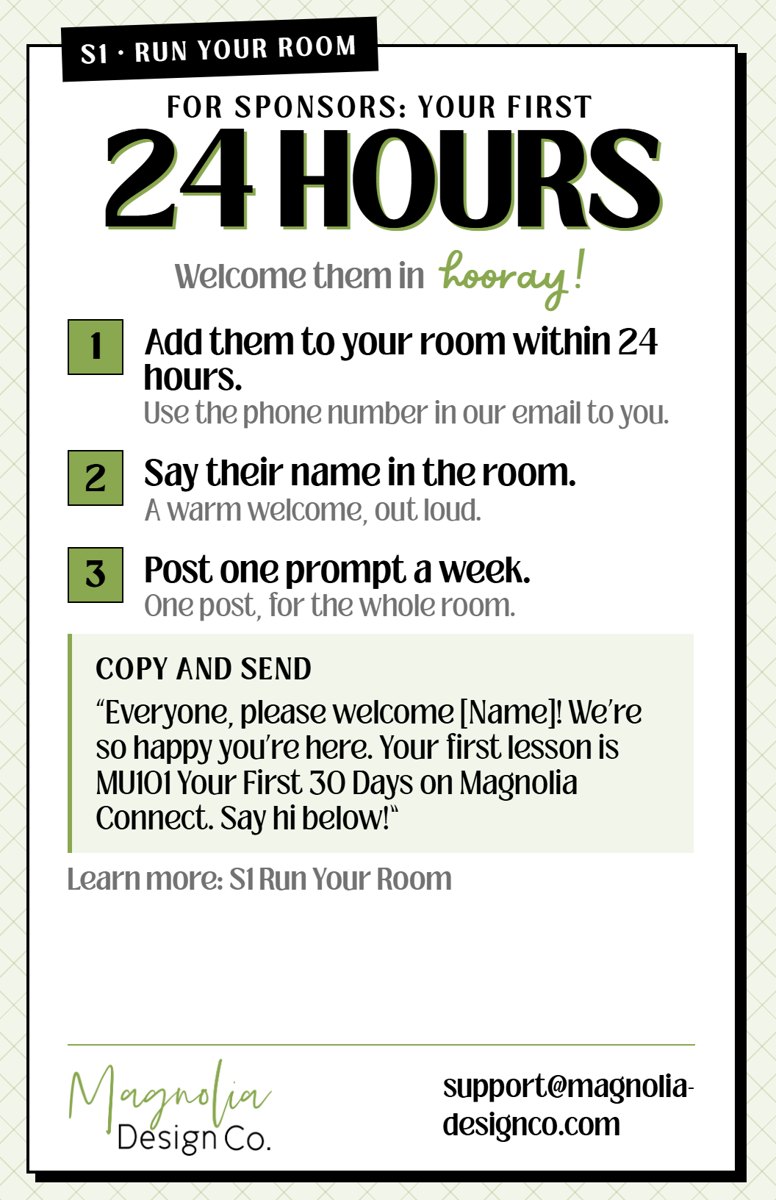 |
Sponsor’s First 24 Hours Half sheet, 2 sides |
In this lesson you’ll learn
- What a team room is, and who it’s for
- Your three sponsor actions, and why each one matters
- Where to find your new person’s details and what’s happening on your team
Why this matters
New people stay when they feel they belong. A team room gives every new person a place to land, people to cheer them on, and one easy thing to do each week. Your whole sponsor job fits into three small actions.
The words to know
- Sponsor means the person who helped someone join. That’s you.
- Team room (or “room”) means one group chat for your team: the Creators and Affiliates you’ve sponsored. It’s for business builders.
- Prompt means one simple question or task you post for the whole room.
Who goes where
- Your team room: your Creators and Affiliates. Business builders only.
- Your VIP group: your customers. A separate place.
- Magnolia’s Community Hub: open to everyone who loves Magnolia.
- Magnolia’s Creator & Affiliate Community: every Creator and Affiliate.
The steps: your three sponsor actions
- Add them to your room within 24 hours. On the day someone joins your team, we email you their name, ID, phone and email. Use that phone number to add them to your one team room.
- Say their name in the room. A warm welcome, out loud, so everyone can say hello.
- Post one prompt a week to the whole room. One question or task. Not a message to each person. One post, for everyone.
Where to look in your Backoffice
- MY ALERTS on your Overview page shows when someone on your team places an order. Use the envelope button to send them a quick congratulations.
- My Profile shows your Personally Sponsored list.
- Report shows enrollments and Quick Start progress.
Words you can use
Welcome: “Everyone, please welcome [Name]! We’re so happy you’re here. Your first lesson is MU101 Your First 30 Days on Magnolia Connect. Say hi below!”
Weekly prompts:
– “Share a photo of something you made this week!”
– “Who’s sent this month’s Craft Club kit to one friend? Drop a heart when you have.”
– “This week’s lesson: MU102 Your Shop Link. Watch it and tell us one thing you learned.”
– “What’s one win from this week, big or small?”
Your one thing to do
If you don’t have one yet, start your team room today and add everyone you’ve sponsored.
Watch next: MU302 Signing Someone Up
On Magnolia Connect: FAQs: Creators Who Sponsor Affiliates · How to Join the Community Hub on Facebook · Facebook Group Rules & Why Posts Get Declined
Check what you learned
Tap the answer you think is right. There’s no grade, so have fun with it!
1. Who is your team room for?
- Your Creators and Affiliates, business builders only
- Your Craft Club customers
- Everyone who loves Magnolia
Show the answer
2. What are your three sponsor actions?
- Call them daily, check their orders, and send them reminders
- Add them to your room within 24 hours, say their name, and post one prompt a week
- Send a welcome card, a gift and a monthly report
Show the answer
3. How do you share your weekly prompt?
- A separate message to each person
- Only in the Community Hub
- One post for the whole room
Show the answer
All done with this one?
Your progress shows on the Magnolia University page.